Search Open Browser Tabs
Search Open Browser Tabs
TL;DR:
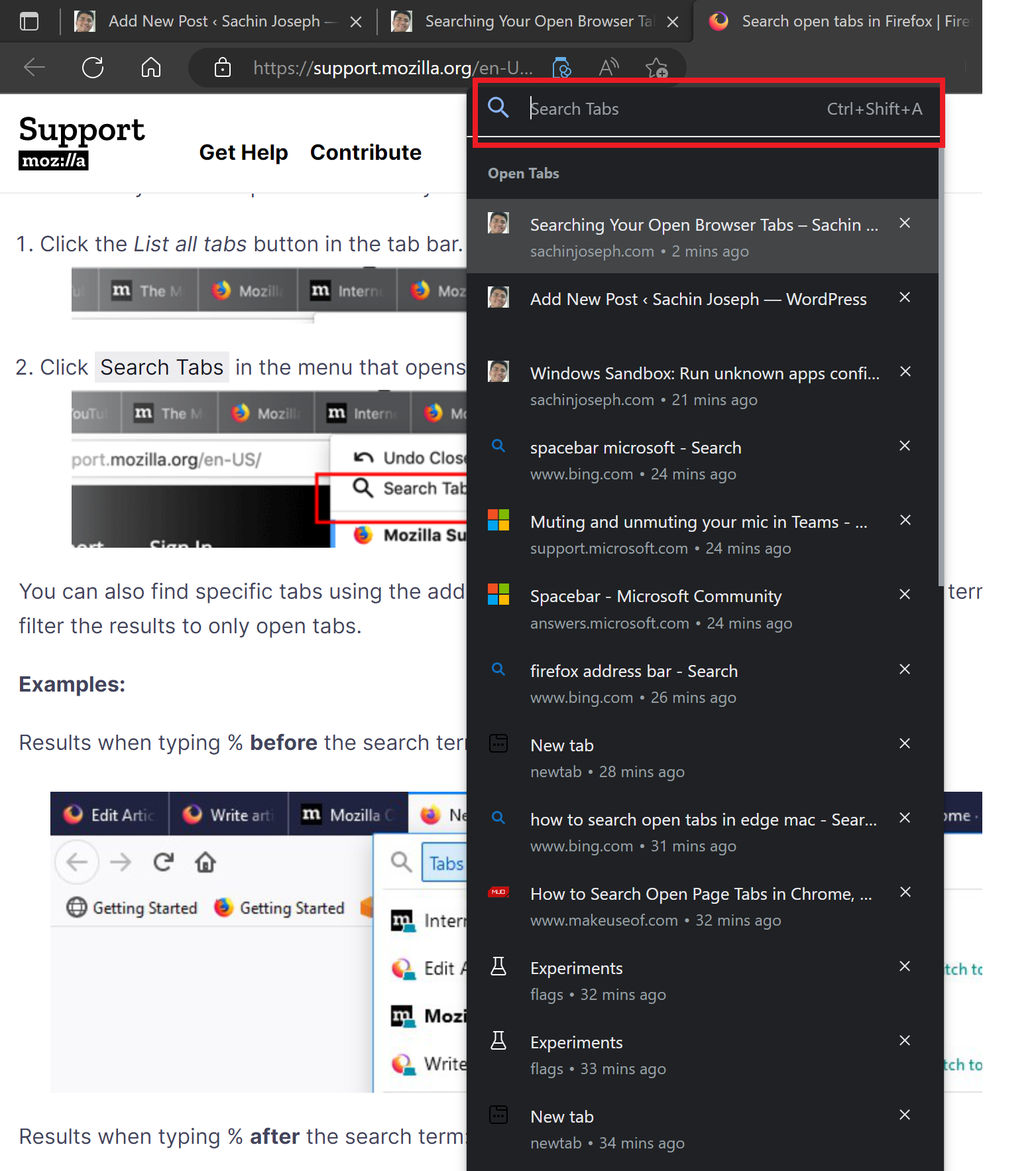
- On Chromium-based browsers like Edge and Chrome, press Ctrl+Shift+A.
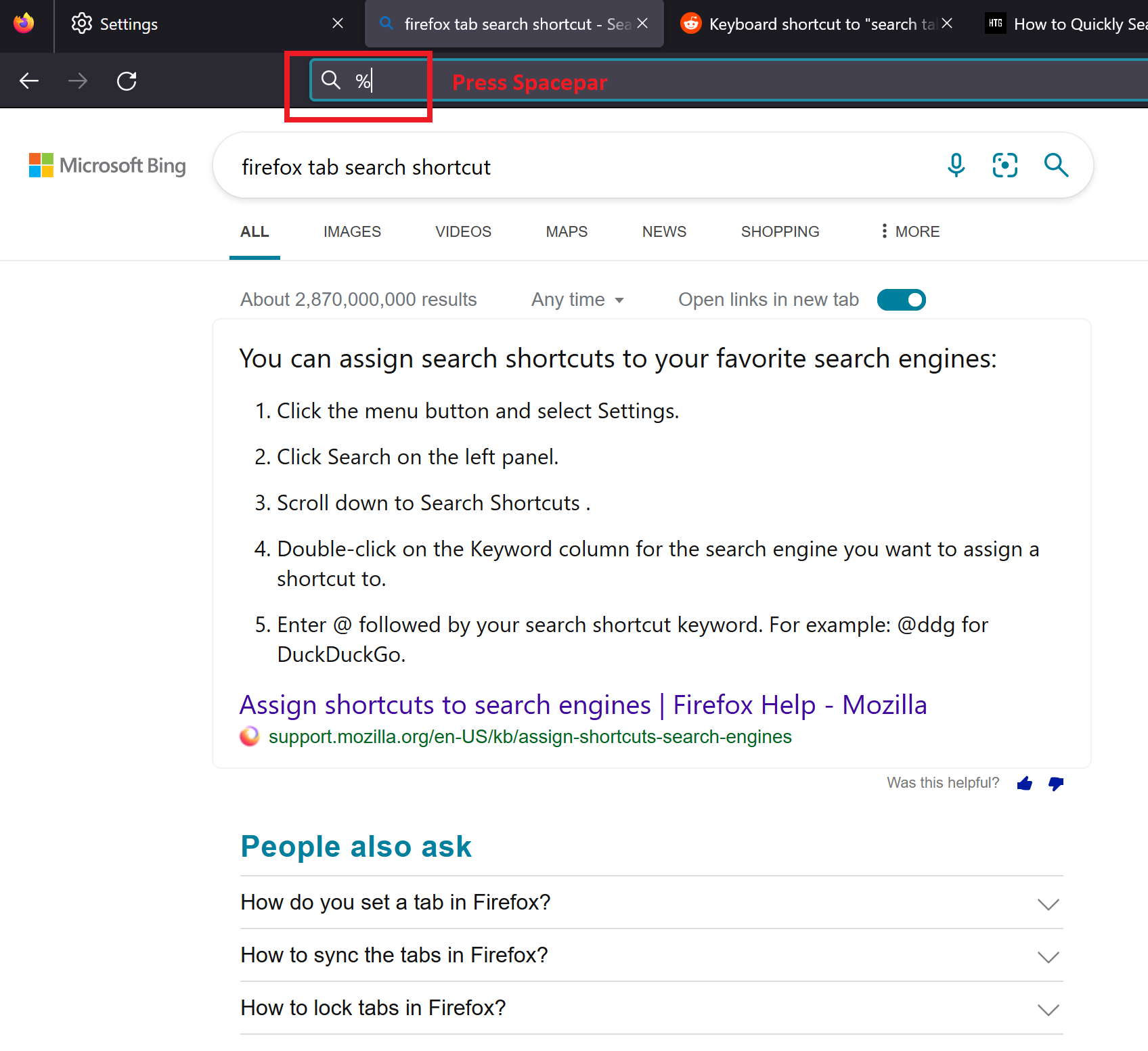
- On Firefox, press Ctrl+L (or Alt+D) to focus on the address bar, then type % and then tap the Spacebar.
I have a lot of browser tabs open all the time, sometimes going to a hundred or more, and it’s often not very easy to find the tab that I am looking for. Thankfully, modern browsers support searching your open (and recently closed) tabs, and have very handy shortcuts to open tab-search.
Chromium-based browsers like Edge and Chrome
Press Ctrl+Shift+A to open tab-search. See documentation.
Firefox
Press Ctrl+L (or Alt+D) to focus on the address bar, then type % and then tap the Spacebar to search tabs. See documentation.
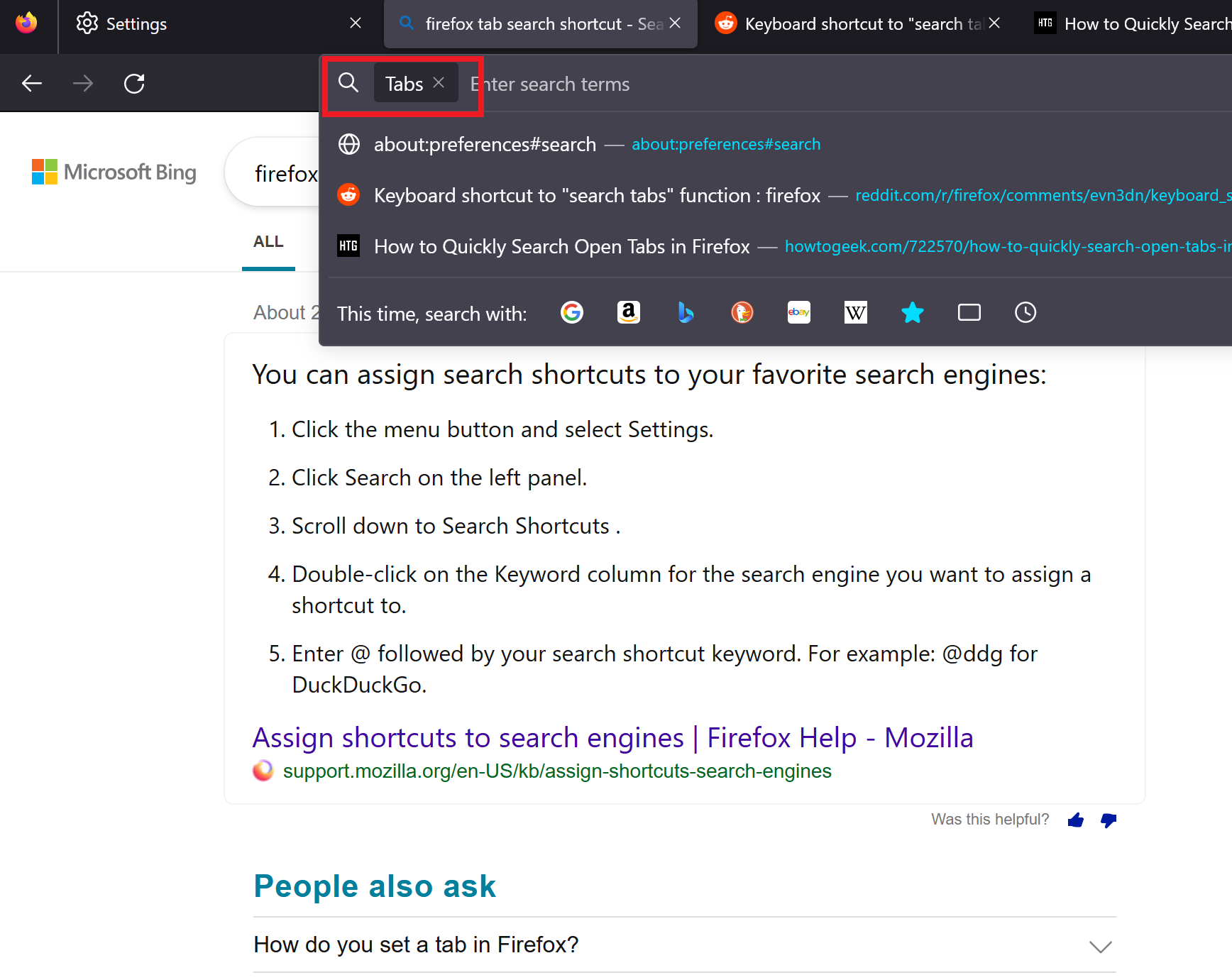
That would switch the address bar to tab-search:
Give it a try!
This post is licensed under CC BY 4.0 by the author.